Live channels on CarPlay
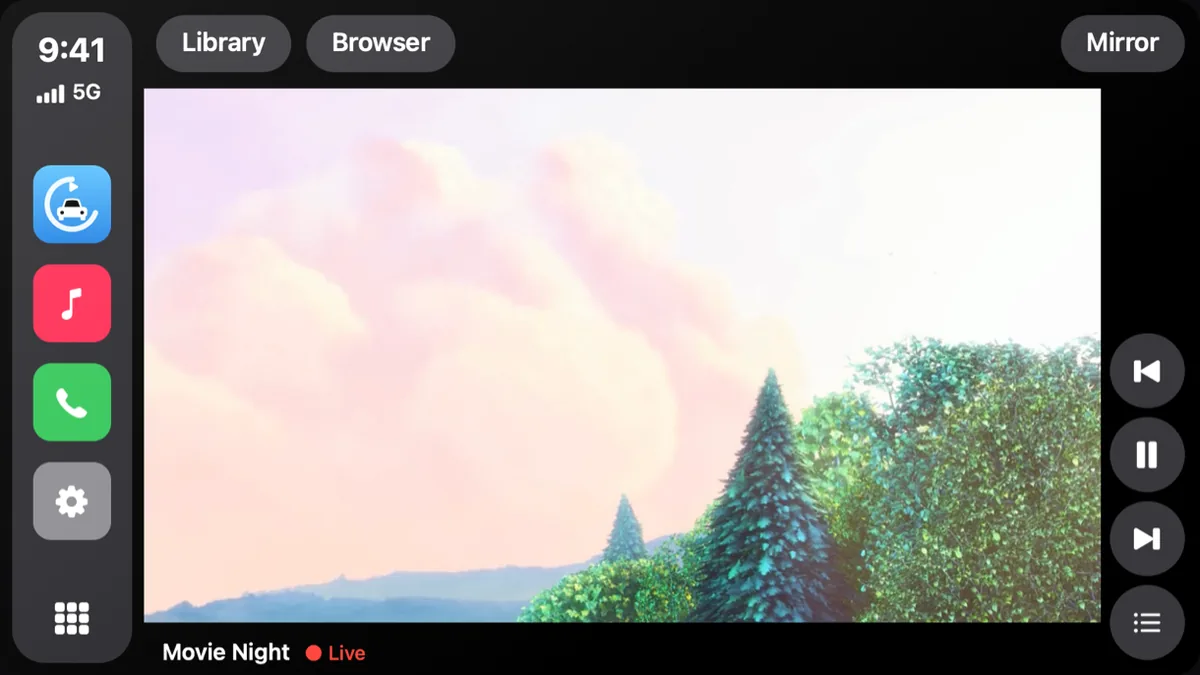
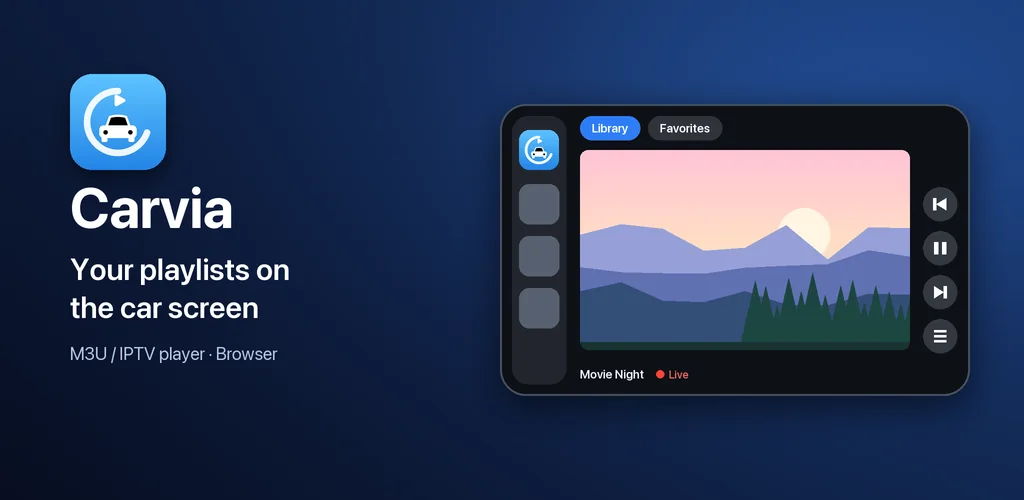
Carvia opens on every CarPlay car screen — including cars without CarPlay video support. Tap a channel and it plays in a player made for the car: the picture fits the display and the buttons never cover it.
Carvia is an M3U / IPTV player built for the car. Add a playlist once, then watch your live channels on the phone — and right on the car display.
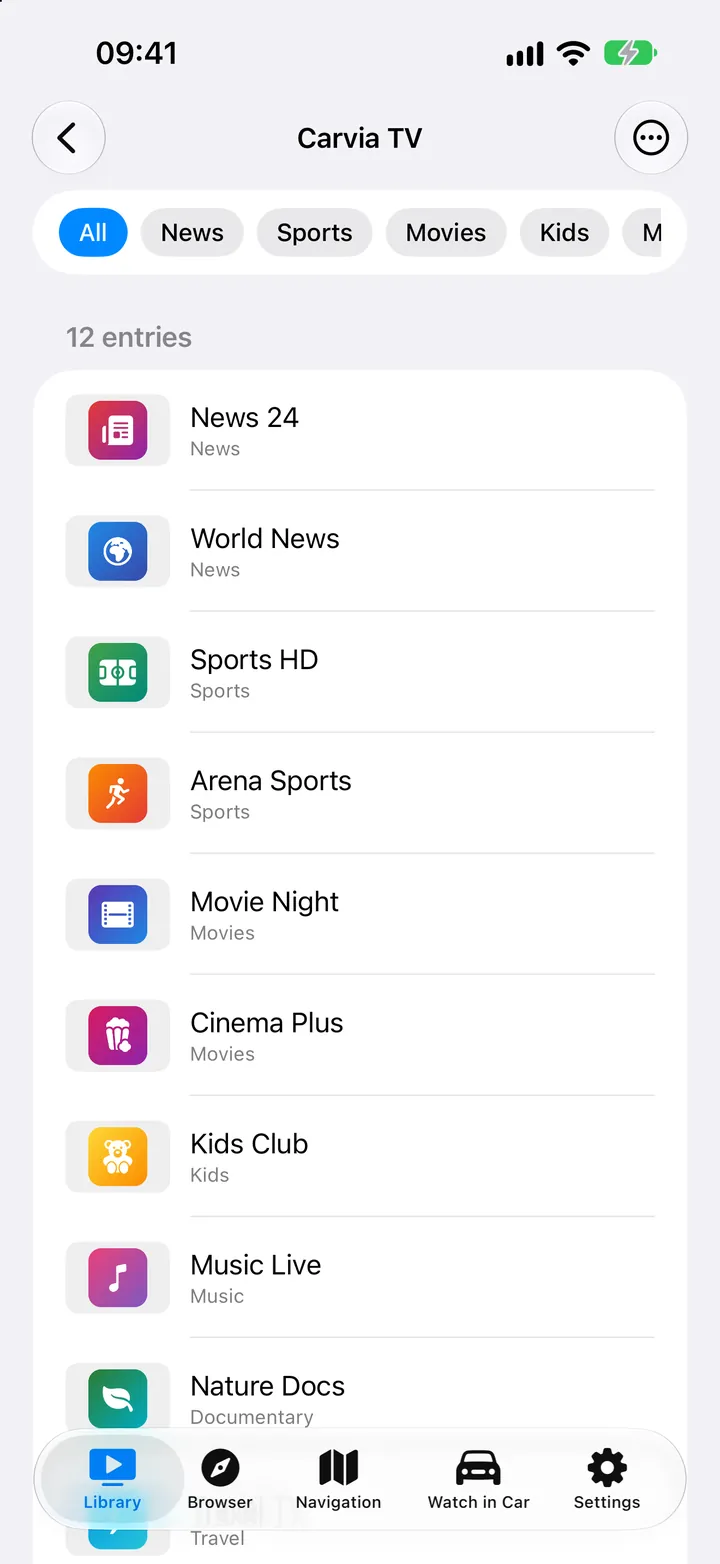
Paste an M3U / M3U8 link, scan a QR code, or sign in to your Xtream account. Channels, movies and series are sorted into groups automatically.
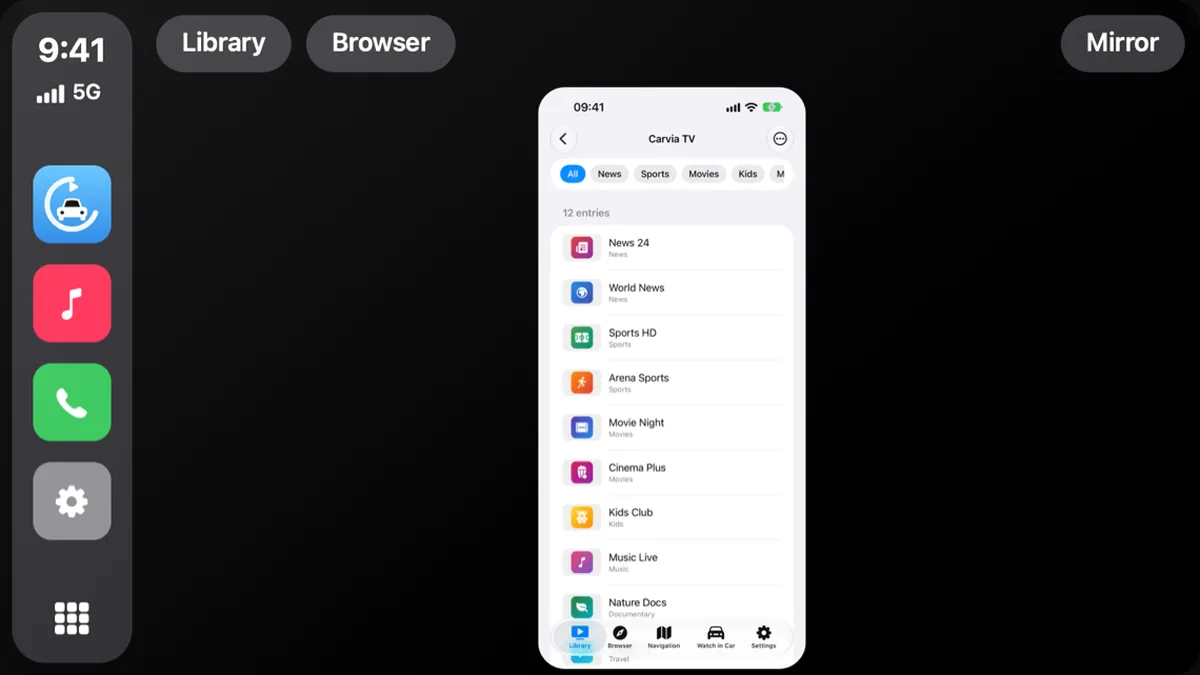
Open Carvia on the CarPlay screen. Library, Browser and Mirror sit in a top bar — just like the tabs on your iPhone.
It plays on the car display in a clean player: back, favorite, 10-second skip and the car's own next / previous buttons.
M3U / M3U8, HLS, HTTP streams or an Xtream login. Local files too — MKV, AVI, MP4 and more, played offline.
Carvia appears among the media apps. Browse favorites, playlists and groups with logos; channels play as audio. The picture stays on your phone.
In cars with Google built-in, a full-screen player with large touch targets. When you start driving, video switches off by itself.
Carvia opens on every CarPlay car screen — including cars without CarPlay video support. Tap a channel and it plays in a player made for the car: the picture fits the display and the buttons never cover it.
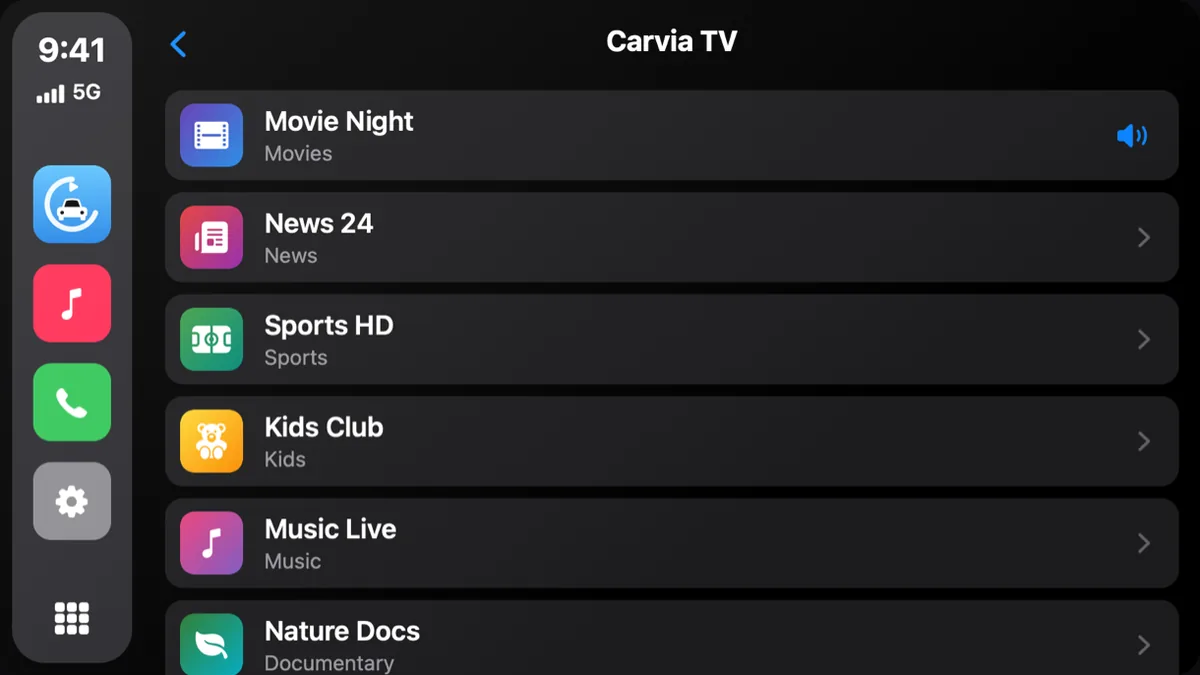
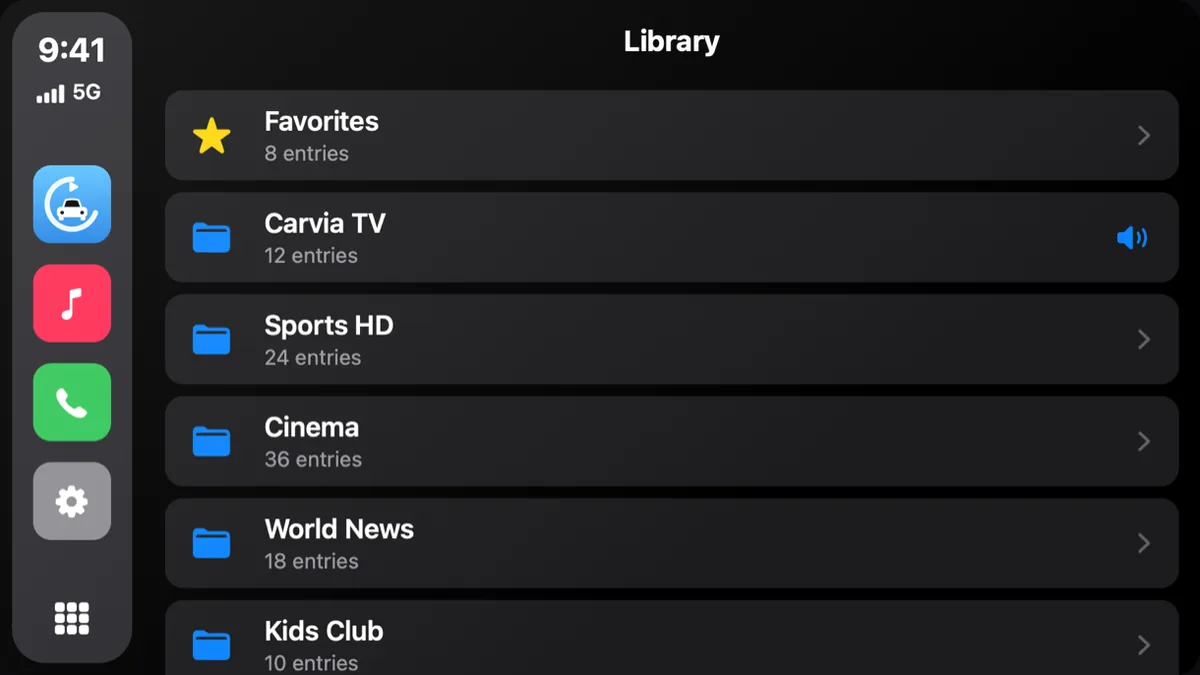
Playlists appear as folders and channels as a list with their logos. Favorites stay at the top. Since 1.2.2 the library is split into Live TV, Movies and Series, with your provider's categories as folders and posters that adapt to the screen width.
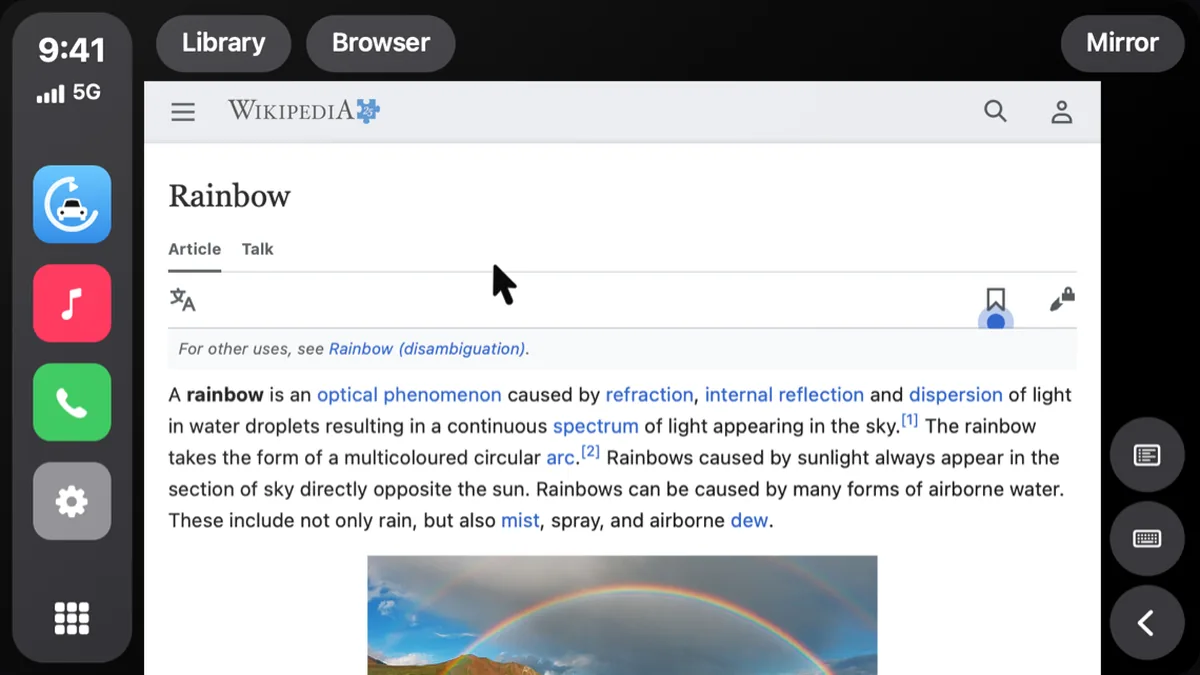
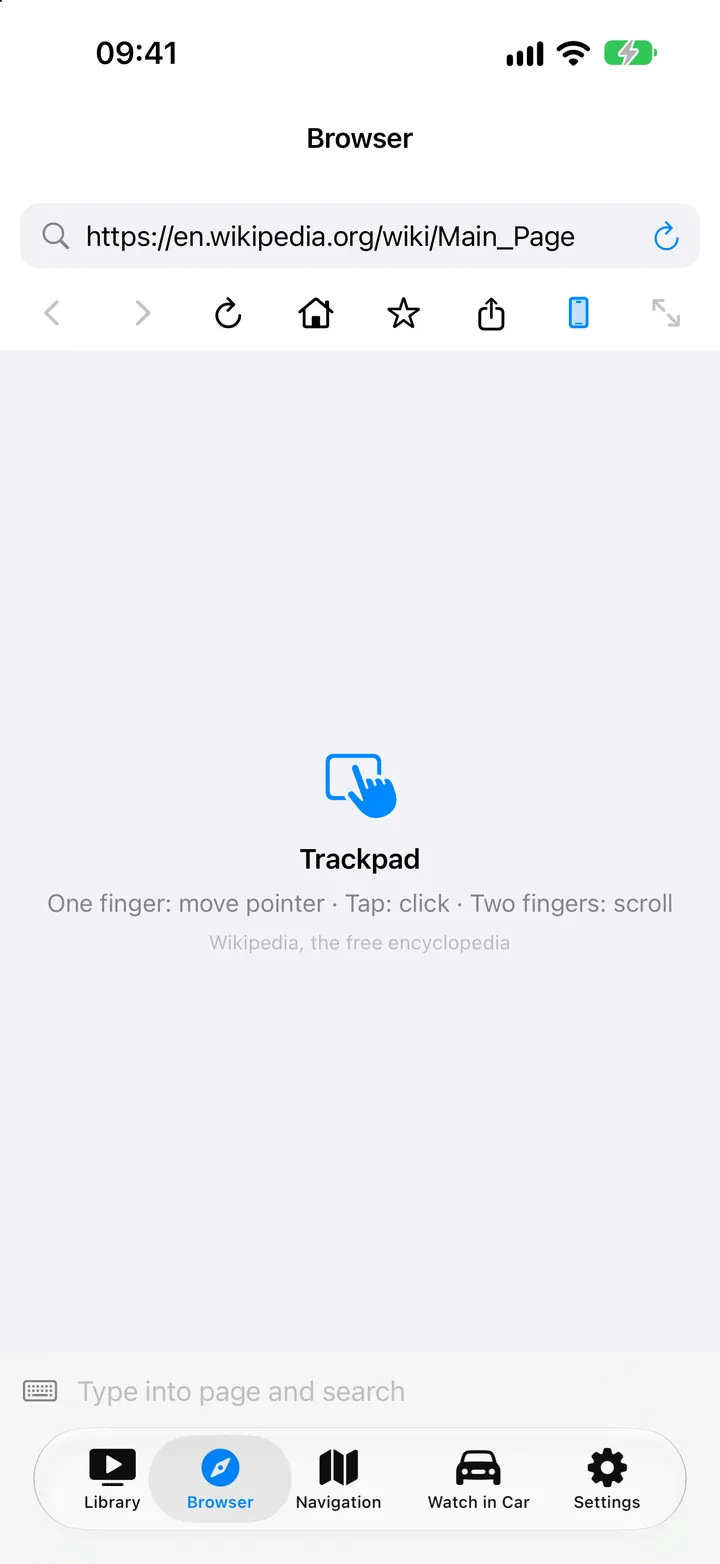
Open your favorite sites on the car display. Move the pointer with one finger, tap to click, scroll with two fingers and type with the iPhone keyboard. Videos in the page go fullscreen on the car screen.
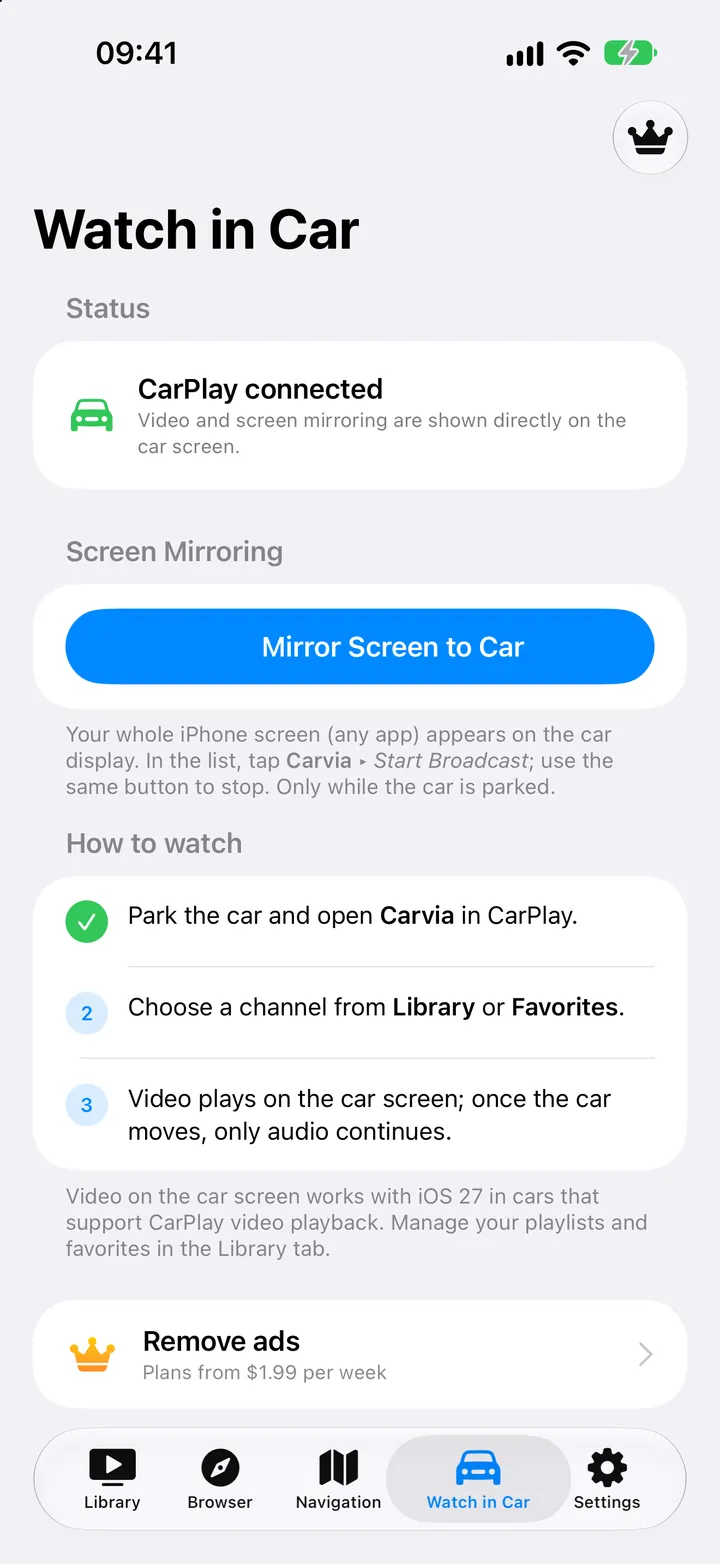
Any app, portrait or landscape, on the car display. Mirroring was rebuilt in 1.2.3 with hardware encoding for smooth video up to 30 fps — and Premium unlocks High and Ultra quality (Full HD, up to 60 fps on supported iPhones).
The iPhone and the car stay in sync. Choose a channel in the Library on your phone and it starts on the car display; send the current video to the car from the player with one button.
M3U, M3U8, HLS and HTTP streams. Xtream Codes logins import live channels, movies and series automatically.
group-title and tvg-logo are honored, so channels land in the right group with the right logo.
Each playlist is a folder you can refresh, rename or delete. Favorites and search work across all of them.
Favorites and playback positions are stored separately, so large lists stay fast and your place is kept.
Import videos from your device. MKV, AVI, MP4 and more play without a connection.
Paste a link or scan a QR code. No account, no sign-up.
The app and its store pages are fully localized, from Turkish and Thai to Khmer and Armenian.
Carvia is free with ads on the phone. The car screen never shows an ad.
The Android version is on its way to Google Play. Until then, install the APK from the versions page — every build is listed with its size and SHA-256 checksum.
Carvia shows up with the other media apps. Browse favorites, playlists, groups and channels with logos; previous / next switches channel; search and voice commands work. Audio only — the car screen does not show video.
A full-screen player on the car display, with large targets for Favorites, Library, Search, Add playlist and Settings. Start driving and the video turns off automatically; audio continues where the car allows it.
Everything in the player plus a built-in web browser. Requires Android 8.0 or newer; Automotive builds require Android 10.
Carvia needs no account. Playlists, favorites, resume positions and Xtream logins are stored on your phone and sent only to the server you entered. Carvia is a player: it does not provide, host or recommend any content.
Read the privacy policyNo. Carvia is a player only. You add your own M3U / M3U8 playlists, Xtream account or local files, and you are responsible for having the right to use them.
Yes. Since 1.2, Carvia opens on every CarPlay car screen. Library, Browser and Mirror are in the top bar of the car display.
M3U, M3U8, HLS and HTTP streams, Xtream Codes sources, and local files including MKV, AVI and MP4 (MKV / AVI support arrived in 1.2.3).
No. Android Auto plays audio only and the picture stays on your phone. Full-screen video is available on Android Automotive OS (cars with Google built-in).
Open the Watch in Car tab and tap Start mirroring. Your whole iPhone screen appears on the car display in portrait or landscape; Premium adds High and Ultra quality profiles.
It is coming to Google Play. Until it is live you can install the APK from the versions page; each build lists its size and SHA-256 so you can verify the file.
Your playlists and logins stay on the device and are sent only to the server you entered. There is no account. See the privacy policy for the details on analytics and ads.
Carvia is on the App Store today and coming to Google Play. The Android APK is available now.